
Mateslots App
The Mateslots app is available for Android and iOS as a native download from the official site, and as a no-installation PWA (Progressive Web App) shortcut for any mobile browser. Both options give Australian players full access to the game library, cashier, bonuses, and live casino on smartphones and tablets. No separate mobile account is needed — your existing Mateslots login works across all platforms.
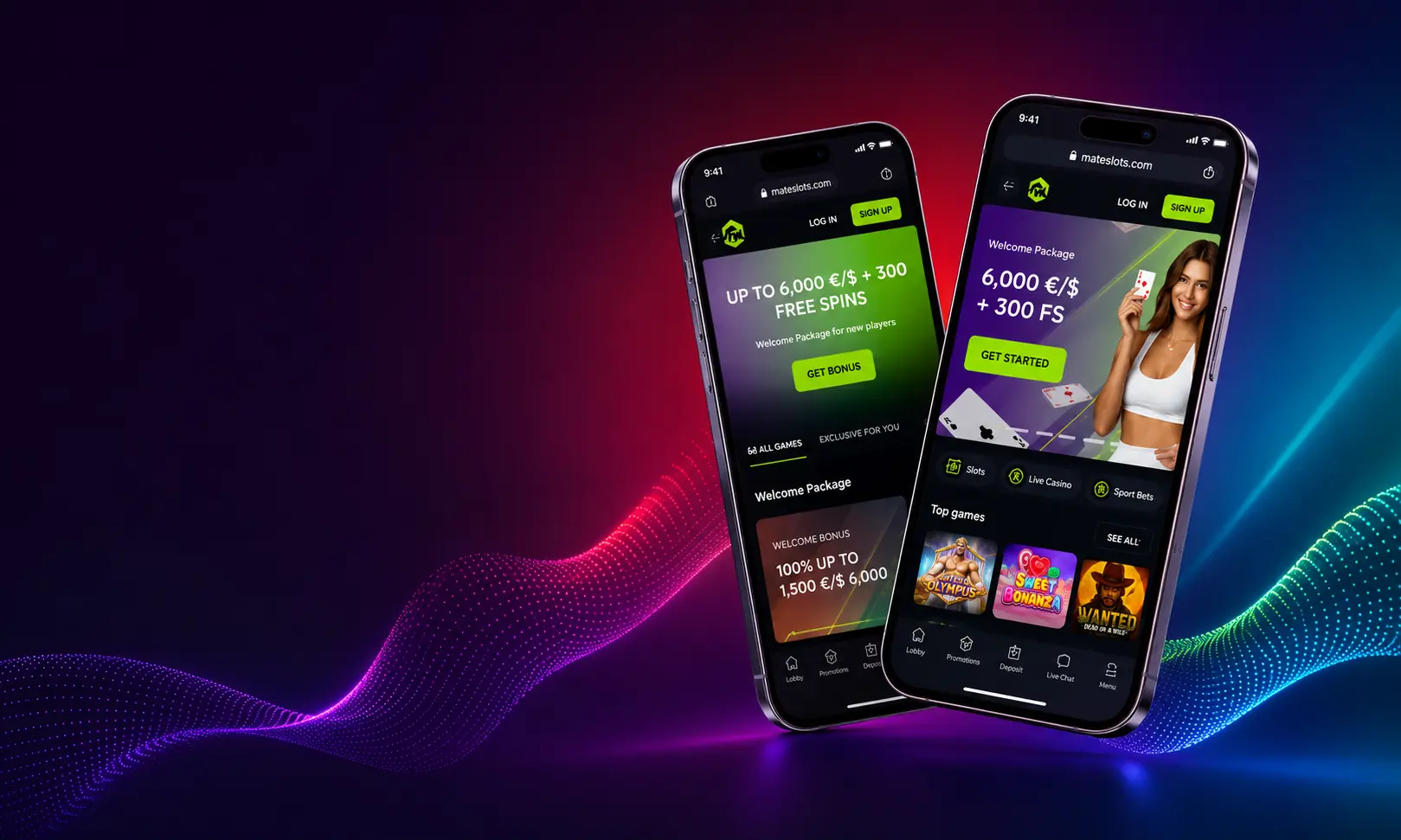
Mateslots Mobile App — Overview
Mateslots Australia launched its mobile offering alongside the desktop platform in 2025, built on HTML5 to ensure consistent performance across device types and screen sizes. The mobile casino app covers the same 3,000+ pokies, live tables, crash games, and jackpot titles as the desktop version. AUD deposits, PayID top-ups, and withdrawals all function through the mobile cashier without requiring a desktop session.
| Feature | Details |
|---|---|
| Android App | Native APK download from mateslots-aus.com |
| iOS App | Native app download from official site |
| PWA | No-install shortcut via mobile browser |
| Games on Mobile | 3,000+ pokies, live casino, crash, table games |
| AUD Deposits | PayID, Visa, Mastercard, crypto — from A$30 |
| Biometric Login | Fingerprint and Face ID on compatible devices |
| Push Notifications | Bonus drops, tournament alerts, cashback reminders |
Android App
The Mateslots Android app downloads as an APK file directly from mateslots-aus.com — it is not available on the Google Play Store. To install on Android:
- Open mateslots-aus.com on your Android device and go to the App section.
- Tap the Android download button to save the APK file.
- Before installing, go to Settings → Security and enable Install from unknown sources for your browser.
- Open the downloaded APK file and tap Install.
- Once installed, open the app and log in with your existing Mateslots credentials.
The Android casino app requires Android 6.0 or later. Installation takes under two minutes on a standard mobile connection. Updates are available through the same download process — the app notifies you when a new version is available.
iPhone App
The Mateslots iPhone app is available for iOS 12.0 and later. Download it directly from the official site on your iPhone or iPad:
- Open mateslots-aus.com on Safari on your iOS device.
- Go to the App section and tap the iOS download link.
- Follow the on-screen prompts to install. iOS may ask you to trust the developer in Settings → General → Device Management.
- Open the app and log in with your Mateslots account details.
All game categories available on desktop are accessible through the iPhone app, including the full live casino and crash games section. Face ID login is supported on compatible iPhones from the app settings.
PWA — No Download Required
Players who prefer not to install an app can use the Mateslots PWA shortcut. The PWA runs entirely in your mobile browser and adds a shortcut to your home screen that opens the casino without navigating through the browser each time.
- Open mateslots-aus.com in Safari (iOS) or Chrome (Android).
- On iOS: tap the Share icon and select Add to Home Screen.
- On Android: tap the browser menu and select Add to Home Screen.
- The Mateslots shortcut appears on your home screen and opens the platform directly.
The PWA provides the same game access as the native app. It updates automatically each time you open it — no manual update process required. For Australian players on limited mobile storage, the PWA is the more practical option.
Mobile Casino Australia — Performance
Mateslots mobile casino loads the main lobby in under 3 seconds on a standard 4G Australian connection. Pokies using HTML5 technology run without lag on mid-range smartphones, and live dealer HD feeds maintain stable quality on both 4G and NBN Wi-Fi. The touch interface adapts to portrait and landscape orientations on both phones and tablets.
The mobile casino app Australia navigation keeps the main categories accessible at the bottom of the screen: Casino, Live, Sport, Promotions, and VIP. Switching between sections does not interrupt an active game session on the same account. The cashier, bonus activation, and account settings are all reachable within two taps from any screen.
FAQ
Go to mateslots-aus.com on your mobile device, navigate to the App section, and download the APK (Android) or IPA (iOS) file. Install following the on-screen prompts. Alternatively, add the PWA shortcut to your home screen from the browser share menu — no download needed.
No. The Mateslots Android app downloads as an APK from the official site, not the Google Play Store. The iOS app downloads directly from mateslots-aus.com. Enable installation from unknown sources on Android before installing the APK file.
Yes. The full cashier is available on both the native app and PWA. AUD deposits via PayID, Visa, Mastercard, and crypto are all supported from A$30. Withdrawals process through the same methods with the same timelines as the desktop version.
The full Mateslots games library — 3,000+ pokies, 100+ live casino tables, crash games, jackpot titles, and table games — is accessible on mobile. Demo mode works on mobile for most pokies. Live casino requires a real-money bet but no minimum above the stated table limit.