
Mateslots Login and Registration
Mateslots login takes under a minute for existing players. New account registration at Mateslots Australia opens with a single-page form that requires only an email address, password, username, and currency selection. KYC verification is not required at sign-up — it is triggered only when cumulative deposits or withdrawals exceed A$3,000. This page covers both the Mateslots sign in process and the full registration walkthrough for first-time players.
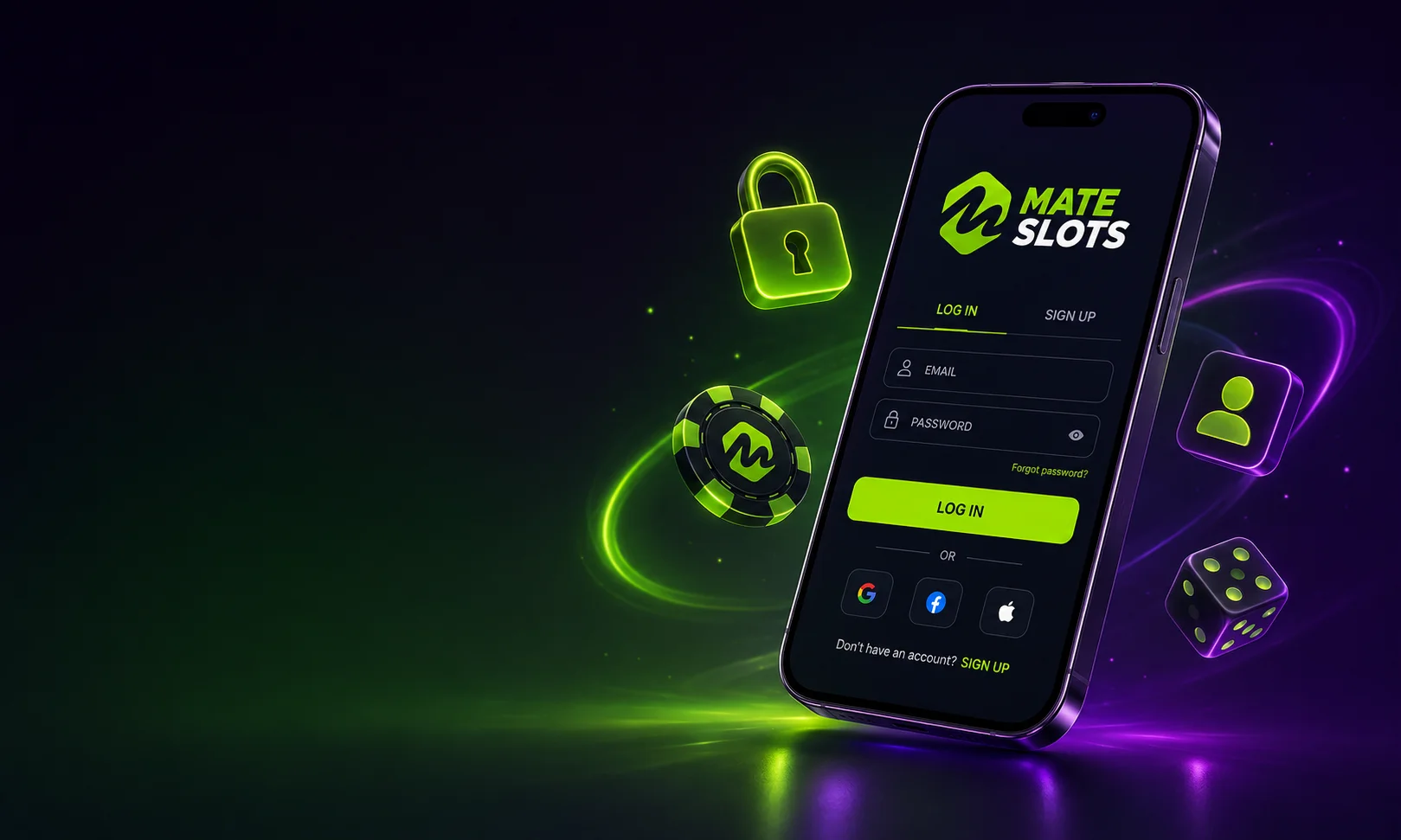
How to Log in to Mateslots
To access an existing account, follow these steps:
- Go to mateslots-aus.com and click the Login button at the top of the page.
- Enter the email address or phone number registered to your account.
- Enter your password and click Sign In.
- Your dashboard opens immediately with access to the full game library, cashier, and promotions.
The Mateslots login session stays active on your device unless you manually sign out. On mobile, the same credentials work across both the PWA shortcut and the native app — no separate login required.
Mateslots Registration – Step by Step
A new account opens in under two minutes. The registration form appears automatically when you first visit mateslots-aus.com. Complete it as follows:
- Enter your email or phone number. This becomes your primary login identifier.
- Create a username. Used as your display name in tournaments and the VIP programme.
- Set a password. Use a combination of letters, numbers, and symbols for account security.
- Select your currency. Choose AUD to use the native Australian dollar cashier and avoid conversion fees.
- Confirm you are 18 or older. Mateslots requires age verification in line with Curaçao GCB licence rules.
- Submit the form. Your registration is active immediately.
After registration, go to the promotions page and activate your welcome bonus before making your first deposit. Bonus activation must happen before the deposit — not after — to qualify for the welcome package.
Forgot Password – Account Recovery
If you cannot complete Mateslots sign in due to a forgotten password:
- Click Forgot Password on the login screen.
- Enter the email address linked to your profile.
- Check your inbox for a password reset link. The email typically arrives within a few minutes.
- Click the link, set a new password, and log in using your updated credentials.
If the reset email does not arrive, check your spam folder. If your registered email is no longer accessible, contact Mateslots support via live chat to verify your identity and update your details.
Mateslots Account Verification (KYC)
Your Mateslots account does not require documents at registration. Verification is required when total transactions across deposits and withdrawals reach approximately A$3,000 (equivalent to €2,000 under the Curaçao licence rules). When triggered, you will need to submit:
- A government-issued photo ID (passport or driver's licence)
- Proof of address (utility bill or bank statement dated within 90 days)
- Proof of payment method (photo of card or e-wallet screenshot)
Upload documents through the secure KYC portal in your profile settings. The support team reviews submissions and notifies you of the outcome. Verified players face no further document requests for standard withdrawals below the weekly A$3,000 limit.
Login Issues – Common Problems and Solutions
| Problem | Solution |
|---|---|
| Incorrect password | Use the Forgot Password link to reset via email |
| Account not found | Check you are using the email registered at sign-up, not a phone number (or vice versa) |
| Account locked | Contact live chat support to confirm identity and unlock access |
| Site not loading | Clear browser cache, try a different browser, or use the Mateslots app |
| Bonus not credited after deposit | Bonus must be activated before the deposit; contact support if already deposited |
Mateslots Mobile Login
The login Mateslots process is identical on mobile. Use the same email and password on the mobile browser version, the PWA home screen shortcut, or the native iOS and Android app. The native app supports biometric login (fingerprint or Face ID) on compatible devices — enable this in the app settings after your first manual sign-in.
FAQ
Go to mateslots-aus.com, click Login, and enter your registered email and password. Your dashboard opens immediately. On mobile, the same credentials work across the browser and native app.
Yes. Australian players can register directly on mateslots-aus.com. Select AUD as your currency during sign-up to use the native AUD cashier with PayID and card deposits from A$30.
No document upload is required at registration. KYC verification is only triggered when your total deposits and withdrawals reach approximately A$3,000. At that point, a photo ID and proof of address are required before further withdrawals are processed.
Click Forgot Password on the login screen and enter your registered email. A reset link arrives within a few minutes. If the email address is no longer accessible, contact Mateslots live chat support to recover your account.